Invoicing
Create and send an invoice
- Open sales invoices in the correct organization and create a document.
- Select the customer and check billing details and tax identifiers.
- Add items or services, quantities and prices. Review discounts and taxes.
- Check the issue date, due date, currency, numbering and payment account.
- Save, preview and send using the available email or sharing action.
Saving, delivery, payment and accounting processing have separate states. Check delivery after sending and payment allocation when money arrives.
Quotes, orders and proformas
Use a quote to present an offer, an order to record an agreed order, or a proforma to request payment before the final invoice. Create the record suited to that step, then review the final invoice’s details and settlement separately.
Export invoices
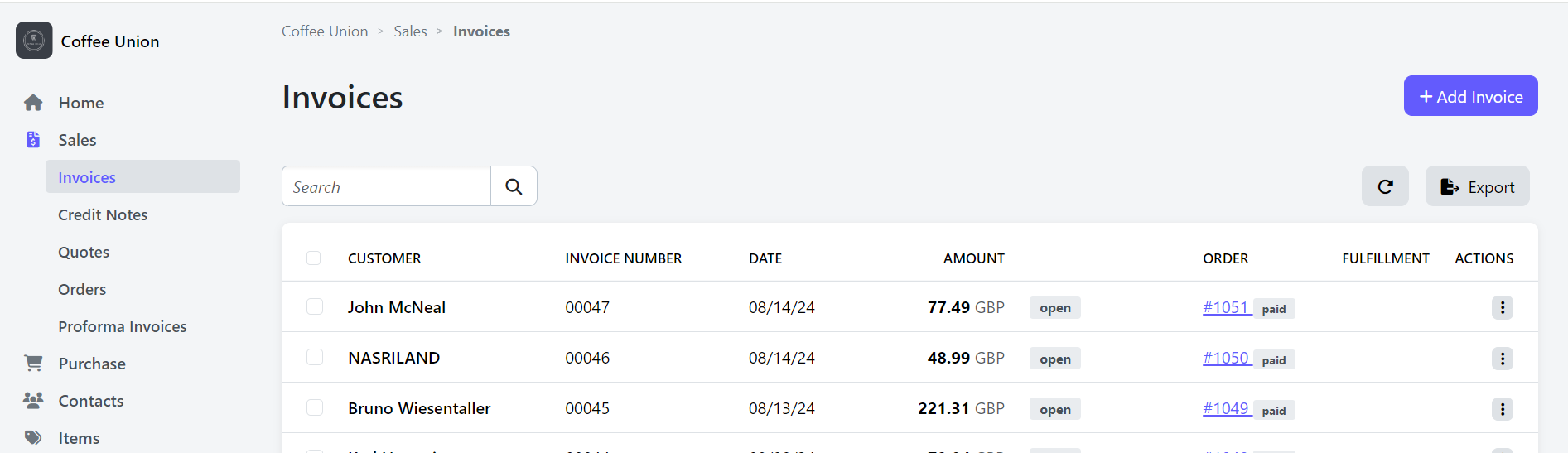
From the invoice list, select the required records or export the full list. Choose JSON or CSV for data export, or MRP XML 1.0 where that accounting export is available. Confirm the selection and format before sharing the file.
Continue with Payments and reconciliation or Credits and corrections.