Connect your Webareal store with Zenvio
Webareal store can be connected with your Zenvio organization using a Zenvio App from Webareal Marketplace or manually using webhooks
Install from Marketplace
In your Webareal store Admin follow steps below:
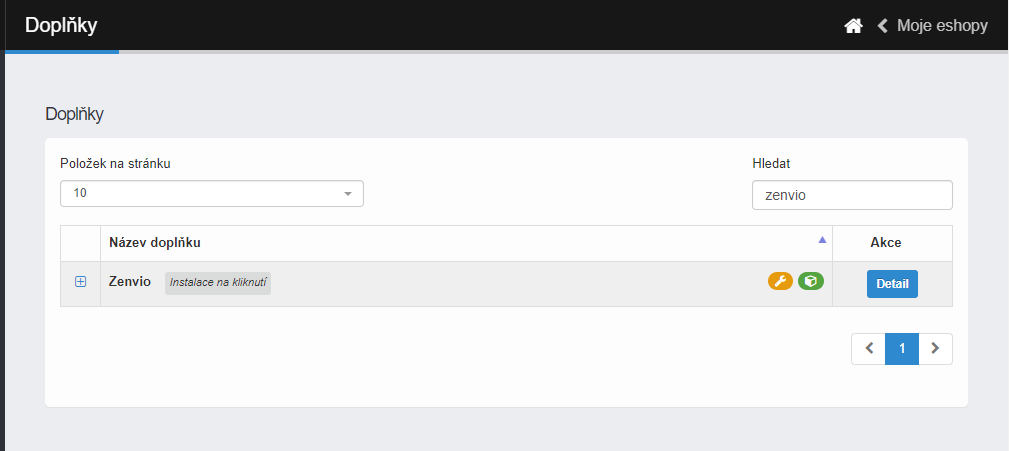
1. Search for the plugin
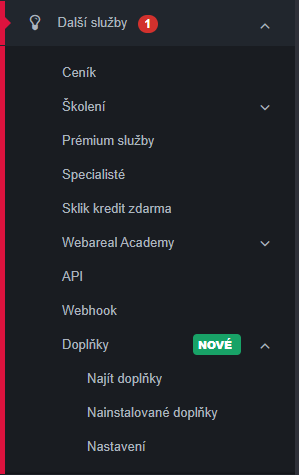
Navigate to Další Služby → Doplňky → Najít doplňky
And search for the plugin
2. Install and Configure the plugin
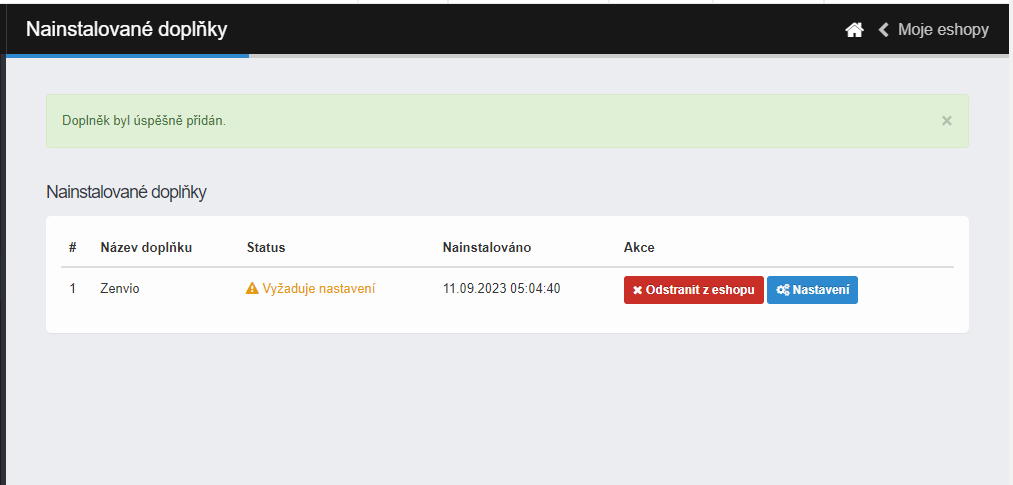
Click on the plugin and hit Add to eshop
And Configure newly installed plugin. Configuration is mandatory in order to pair the plugin with a Zenvio account
3. Log in or create new account
Log in using existing account or create a new account
4. Select business or create new
Under your account select an existing business or create a new business unit
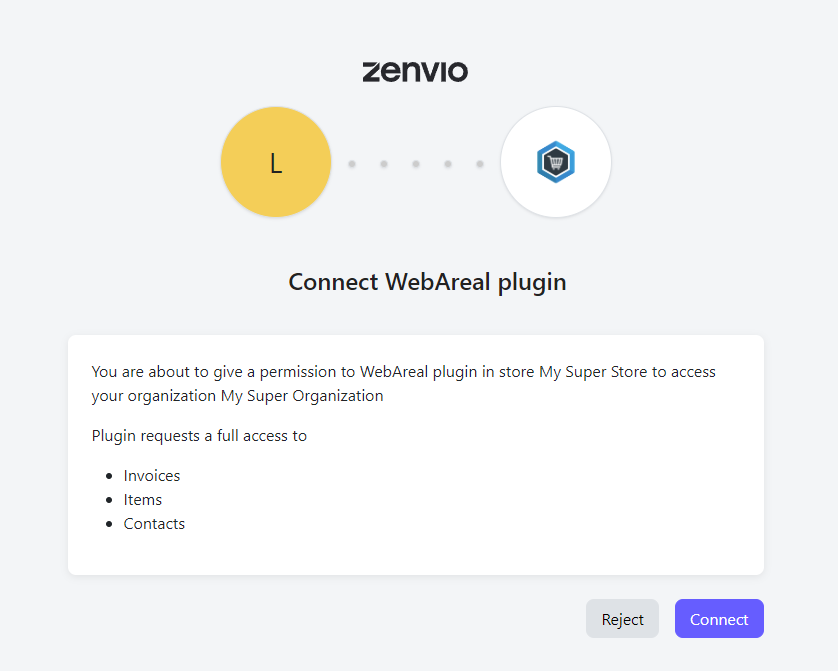
5. Authorize WebAreal application
Connect or Reject requested WebAreal store. You can revoke the authorization later.